Reduce Context Switching with a Guided Workflow
- Figma
- FigJam
- Desktop App
- Role: Product Designer
- Ongoing
- In Development
The Problem
Too Many Fragmented Tools and the "Automation Trap"
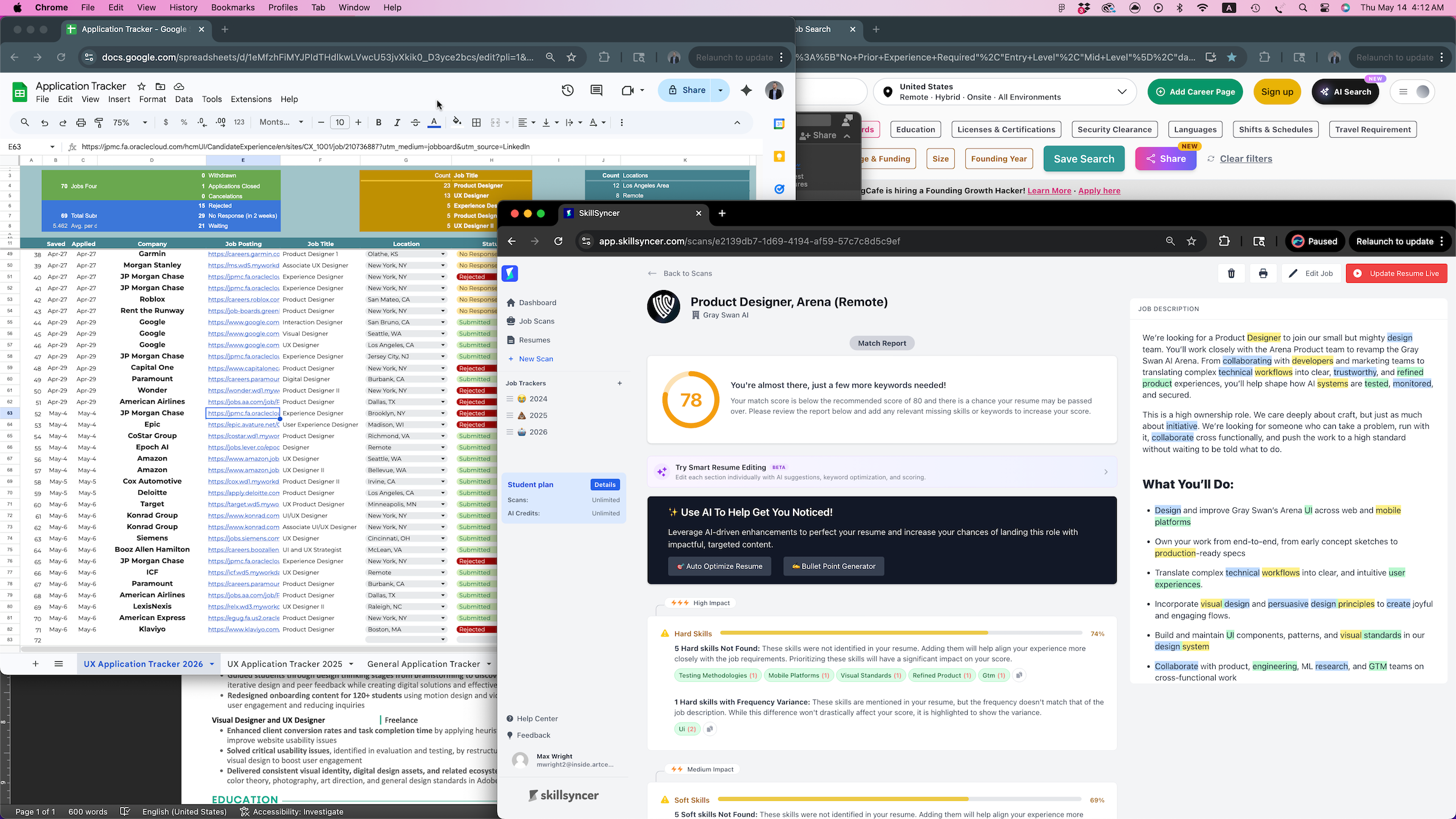
- Context Switching: Serious job searchers have to juggle a word processor, spreadsheet, web-based scanners, and other tools.
- Web to Desktop Gap: Browser-based apps can't directly manage local, desktop files which forces a repetitive process of downloading, renaming, and manually overriding for every resume edit and application.
- Loss of Agency: Prevalence of AI automation tools creates a dangerous precedent, with a lack of oversight into the automated application process, where applicants don't know what's going into their application.
- Economic Barriers: Job searchers feel like they're being taken advantage of by services charging monthly fees despite no guarantee of results.
The Solution
A Purpose-Built Desktop Platform to Streamline Workflows
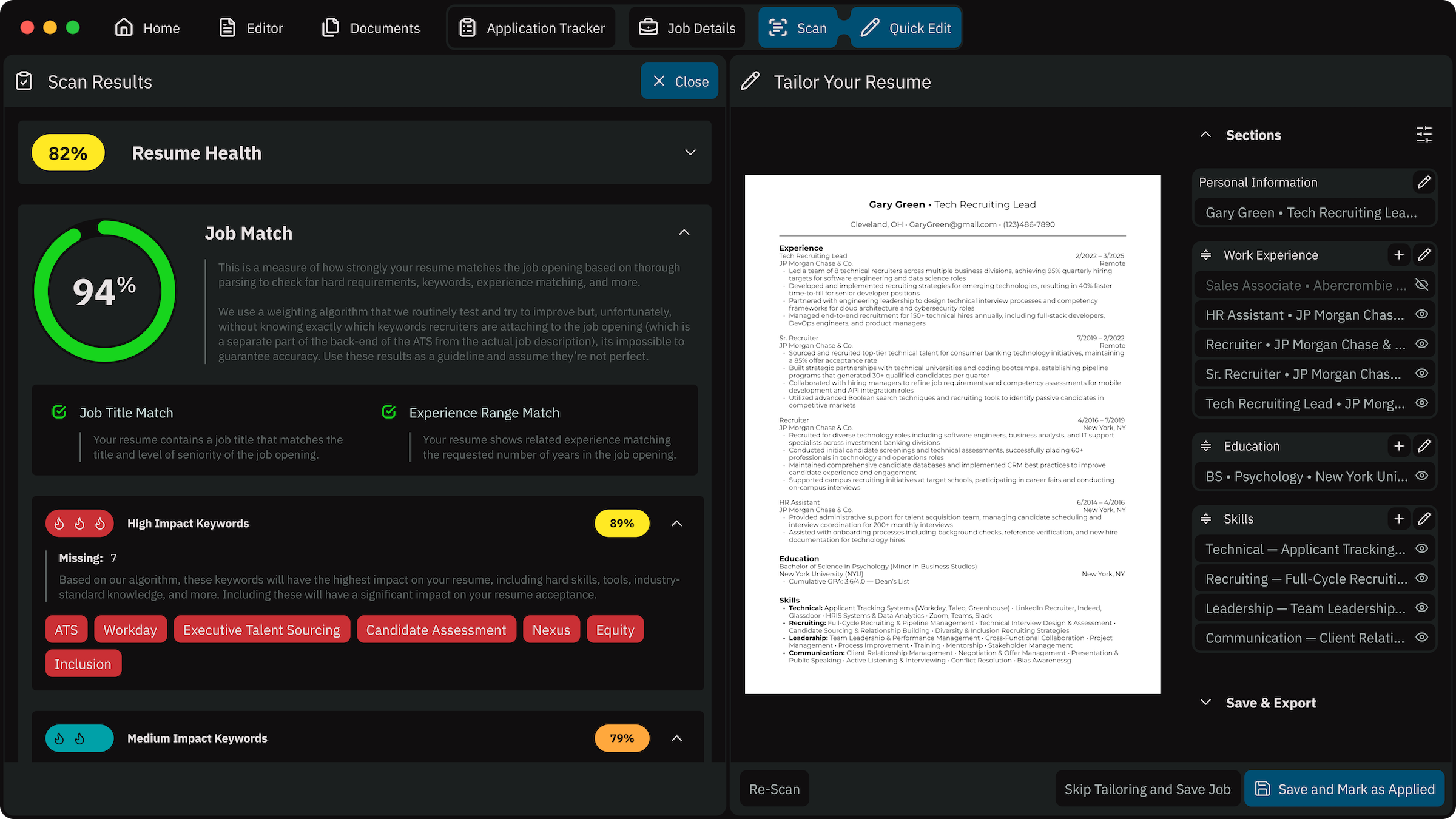
- Integrated, Guided Workflow: A unified workspace which combines every tool in a guided flow, viewing everything side-by-side, eliminates context switching
- Desktop First: A desktop app has native system permissions which makes the process of editing, saving, and exporting a smooth process. Desktop also means more secure.
- Augmented, Not Automated: AI tools should be used in support of analysis and suggestion, with the user always in control. This may create friction by requiring manual oversight, but the user should never be surprised by something they didn't approve.
- Ethical Pricing: One-time, affordable pricing instead of subscriptions will be more approachable to job seekers who know the search could take months.
What Hundreds of Applications Actually Looks Like
Starting from Personal Experiences: Too Many Tools
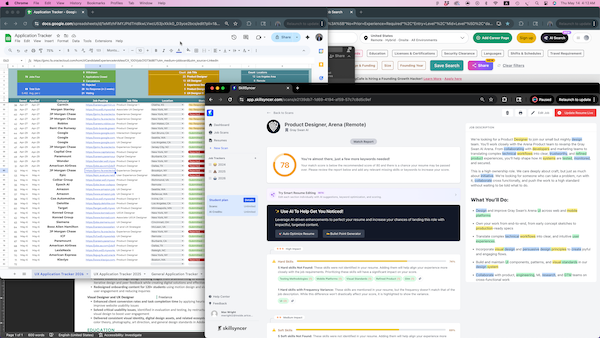
Every day, while applying to hundreds of jobs, I needed to have multiple tools open: my resume, a cover letter, a spreadsheet, a scanner, and multiple windows and tabs with job boards and job openings.
Industry research (BLS, USAFacts) and recent studies (Q1 2026 Job Trends Report from Huntr) back up my anecdote, with job seekers having to apply more and wait longer in a more grueling search. Modern job searches, especially for juniors and new grads, can require hundreds of applications and stretch more than a year.
I spoke with 7 job seekers, along with observing many others on social media, to better understand different processes. In particular I was interested in the variety of tools used and the time investment. However, I also got a lot of great info about the emotional toll that job searching imparts these days.
Watching people move through their real workflow (switching tabs, downloading resume edits, re-typing the same info) helped find friction that interviews alone missed.
Synthesizing Research to Find Direction
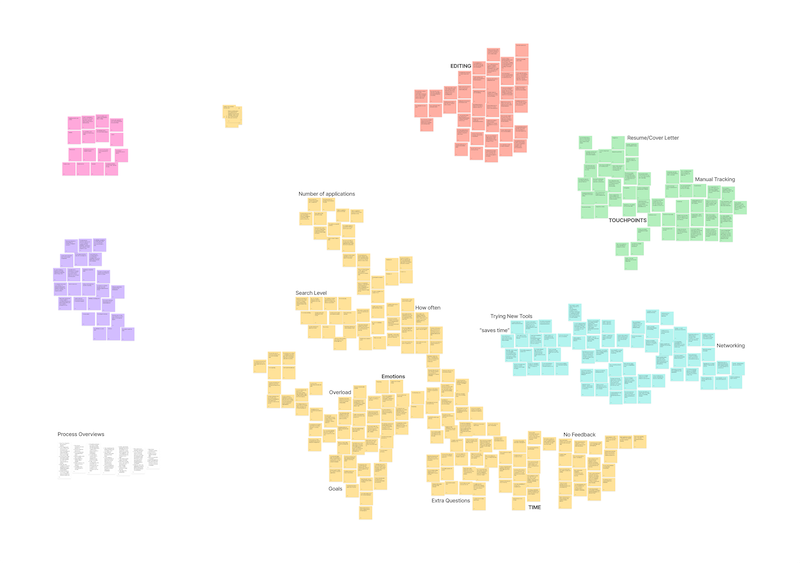
Through affinity diagramming, personas, user archetypes, journey maps, and task flows I found several common themes and priorities. Together, these artifacts helped me to find a series of pain points and opportunities.
Takeaway:
The process and the tools create a long chain of small, repeated frustrations.
Pivoting: Why 'All in One Place' Wasn't Quite Right
My instinct was to just merge the fragmented tools into one, centralized platform. But the research kept pointing at something bigger: the workflow and process is long and repeats endlessly.
Combining tools into one app doesn't change the math unless you also fix the workflow.
Optimizing for Time
No one can guarantee improved odds of landing a job. If the process is going to repeat hundreds of times regardless, the best thing to optimize for is how long each repetition takes. Research showed a single cycle was taking 35–45 minutes so, instead of trying to improve the odds, the goal became speeding up the workflow itself.
Takeaway:
With no way to guarantee improved job outcomes, time is the one variable actually in the job seeker's control.
Speed up the Process with a Guided Workflow
Using Features that Already Exist: Split Screens
Split screen isn't new. Creating additional desktops to move windows around isn't new. But knowing they exist, knowing how to use them, and being able to navigate around them quickly are all different experiences. That experience gap is where Guild's value sits.
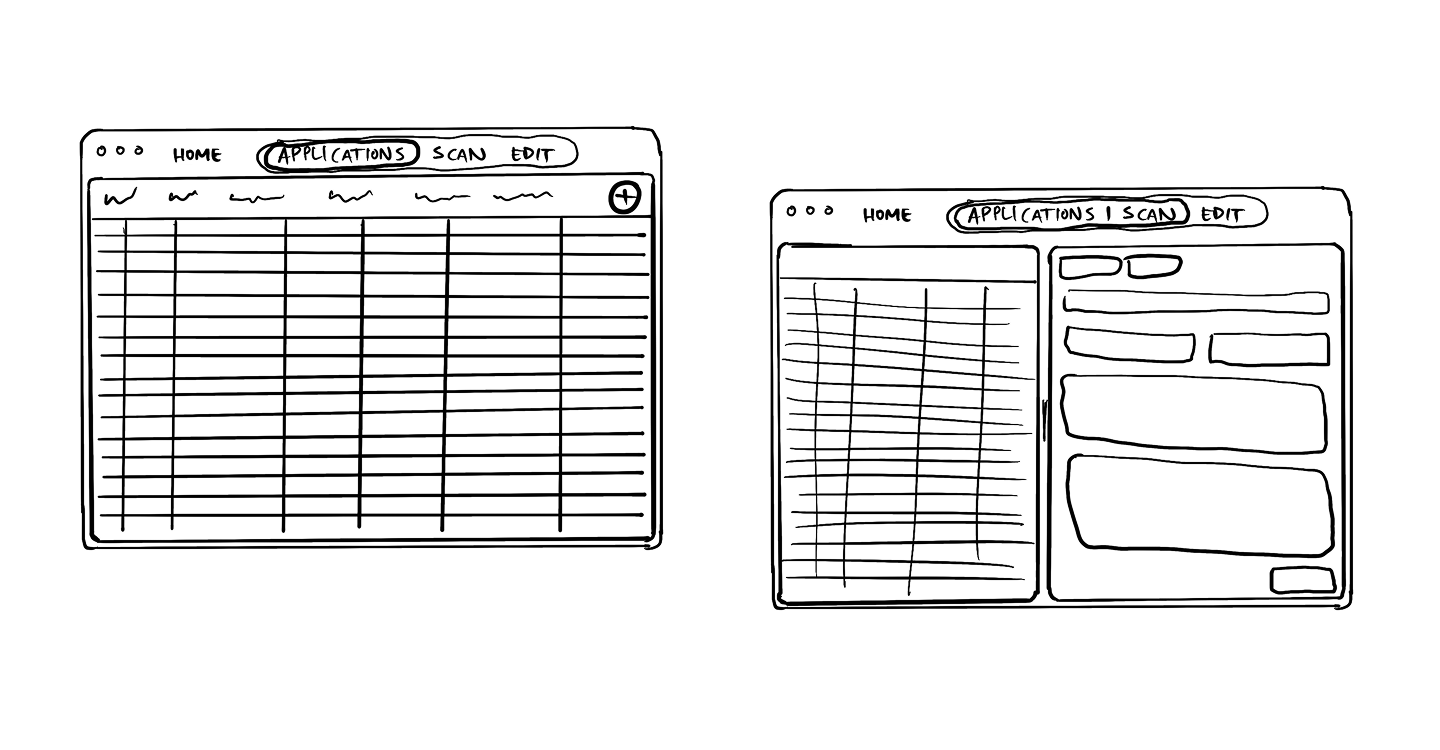
A Moving Sequence Instead of a Static Interface
Split screen is great, but Guild also moves the screen for you. At every step of the process, Guild will move between screens, splitting when necessary, to ensure the info and tools you need are always there.
The user never has to think, "What's next", because once you're done with one step, Guild will take you right to the next step.
Guild mirrors the actual workflow and moves you through it to save you time: track → info → scan → tailor.
There aren't any fewer steps, but you're not losing any time figuring out which window to open next or getting lost in the sauce.
Where Does Guild Go After the Initial Workflow
The core product comes first
Guild's first release is scoped tightly to the primary workflow loop while we resist exploring extra features before the core sequence is proven to save time. Early usability testing shows the guided sequence is intuitive and feels faster to participants than their current tools. Because the resume editor isn't fully built yet, we haven't been able to measure time-on-task against the ~40 minute baseline, and that validation is the next milestone before calling the core loop proven.
What's planned next
Additional tools and add-ons are planned post-launch to support job seekers further, building outward from the core workflow rather than starting there. These include simple features like "Quick Scan" to check your resume against a job opening before wasting the time adding it to your tracker and more complicated tools to speed up the process of filling out the applications.